


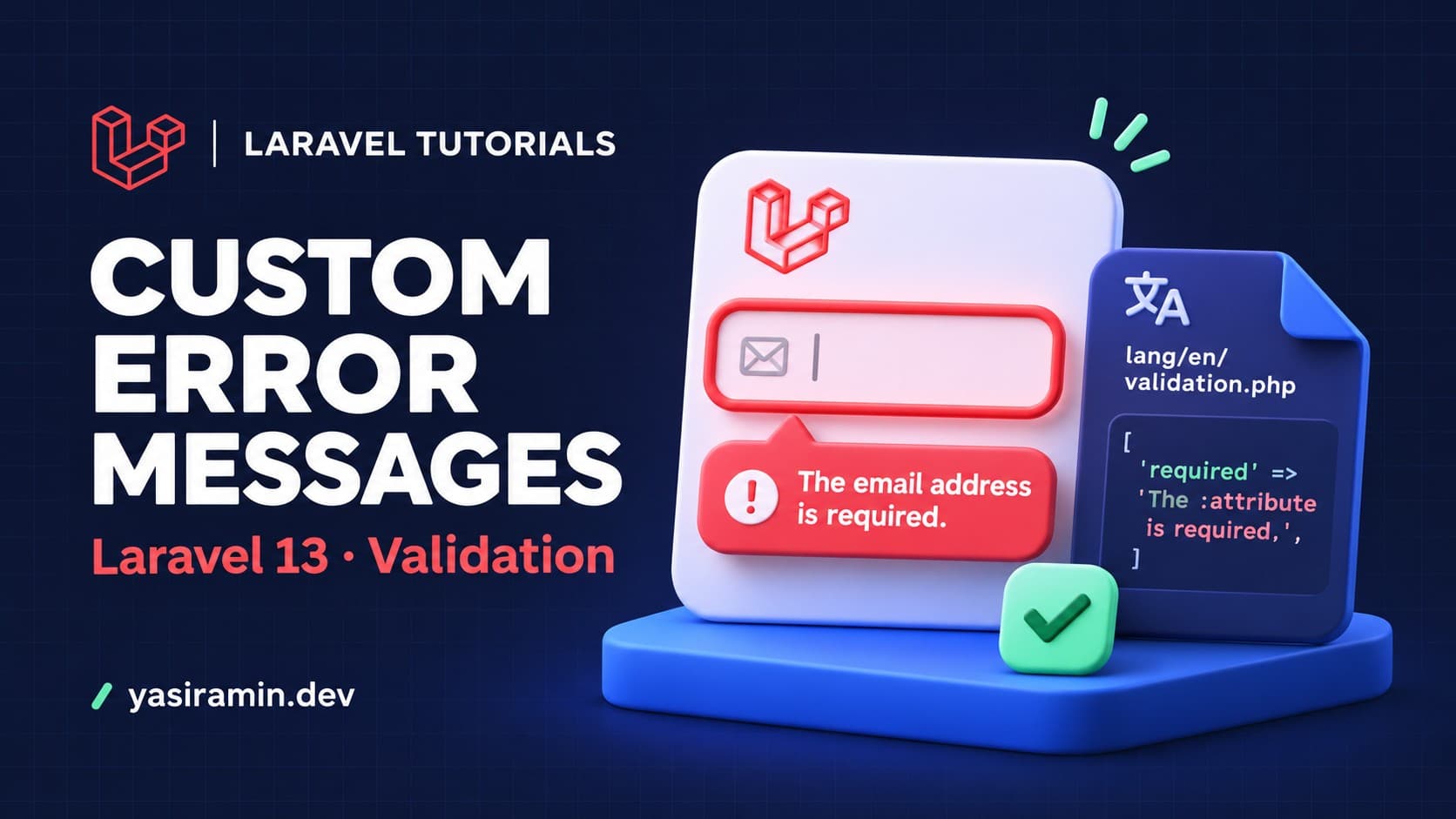
To customize validation error messages in Laravel 13, return a messages() array from your Form Request, or pass a messages array as the third argument of Validator::make(). Use attributes() to rename fields, and the custom array in lang/en/validation.php for app-wide wording.
This guide shows all four approaches, explains the :attribute placeholder, and lists the mistakes that make custom messages silently not appear.
What do I need before starting?
- Laravel 13 (current stable at the time of writing) on a PHP version supported by that release.
- A working form or API route that already validates input.
- Basic familiarity with controllers and Form Requests.
How do message keys work?
A message key is either a rule name or a field plus a rule name. The key required applies to every field using that rule. The key email.required applies only to the email field. The more specific key always wins.
How do I set custom messages in a Form Request?
Generate a request class, then add messages().
php artisan make:request StoreContactRequest<?php
namespace App\Http\Requests;
use Illuminate\Foundation\Http\FormRequest;
class StoreContactRequest extends FormRequest
{
public function authorize(): bool
{
return true;
}
public function rules(): array
{
return [
'name' => ['required', 'string', 'max:80'],
'email' => ['required', 'email'],
'message' => ['required', 'min:20'],
];
}
public function messages(): array
{
return [
'name.required' => 'Please tell us your name.',
'email.email' => 'That does not look like a valid email address.',
'message.min' => 'Your message needs at least :min characters.',
];
}
}Type-hint the request in the controller. Laravel validates before the method body runs and redirects back with errors, or returns a 422 JSON response for API calls.
public function store(StoreContactRequest $request)
{
    $data = $request->validated();

    // save or send $data...

    return back()->with('status', 'Thanks, we received your message.');
}
How do I rename fields with the :attribute placeholder?
Default messages use :attribute, for example "The :attribute field is required." Without changes, billing_email is shown as "billing email". Override the display name in attributes().
public function attributes(): array
{
    return [
        'billing_email' => 'billing email address',
        'dob'           => 'date of birth',
    ];
}
Now a missing dob reads "The date of birth field is required." You did not have to rewrite the message itself.
How do I use custom messages with Validator::make()?
When you validate manually, pass messages as the third argument and attribute names as the fourth.
use Illuminate\Support\Facades\Validator;

$validator = Validator::make(
    $request->all(),
    ['age' => ['required', 'integer', 'min:18']],
    [
        'required' => 'The :attribute is mandatory.',
        'age.min'  => 'You must be at least :min years old.',
    ],
    ['age' => 'age']
);

if ($validator->fails()) {
    return back()->withErrors($validator)->withInput();
}
How do I change messages for the whole application?
The lang directory is not in a fresh Laravel skeleton. Publish it first.
php artisan lang:publishOpen lang/en/validation.php. Edit a default message directly, or add per-field messages in the custom array and global field names in the attributes array.
'custom' => [
    'email' => [
        'required' => 'We need your email to reply.',
        'unique'   => 'This email is already registered.',
    ],
],

'attributes' => [
    'email' => 'email address',
],
Use this for wording that should be the same on every form. Use messages() when only one form needs special text.
Which placeholders can I use?
Common placeholders are :attribute, :min, :max, :size, :other, :input and :value. Which one is filled depends on the rule. A min:20 rule fills :min with 20. A same:password rule fills :other.
How do I show the messages in Blade?
@if ($errors->any())
    <ul>
        @foreach ($errors->all() as $error)
            <li>{{ $error }}</li>
        @endforeach
    </ul>
@endif

<input name="email" value="{{ old('email') }}">
@error('email')
    <p class="text-danger">{{ $message }}</p>
@enderror
What are the common mistakes?
- Wrong key. The key must be
field.rule, such asemail.required. Writingemail_requireddoes nothing. - Rule name mismatch. For
minon a string the key is stillmin. Do not usemin.stringinmessages(). - Nested fields. For array input like
items.*.qty, use the same wildcard in the key:items.*.qty.required. - Cached config or views. After editing language files on a server, clear caches with
php artisan optimize:clear. - Wrong locale. If
APP_LOCALEis noten, edit the matching folder underlang.
How can I verify the messages work?
Submit the form with an empty field and read the error text. For an API, send a request with Accept: application/json and no body. Laravel returns a 422 response whose errors object contains your custom text.
public function test_contact_form_shows_custom_message(): void
{
    $response = $this->postJson('/contact', []);

    $response->assertStatus(422)
        ->assertJsonValidationErrors(['name'])
        ->assertJsonPath('errors.name.0', 'Please tell us your name.');
}
FAQ
Can I use translation keys instead of plain text?
Yes. Return __('validation.custom.name.required') from messages() and keep the text in your language files.
Which wins: messages() or the lang file?
Messages passed to the validator, including messages() in a Form Request, take priority over the language file.
Do custom messages work for API responses?
Yes. The same messages appear inside the JSON errors object of a 422 response.
