


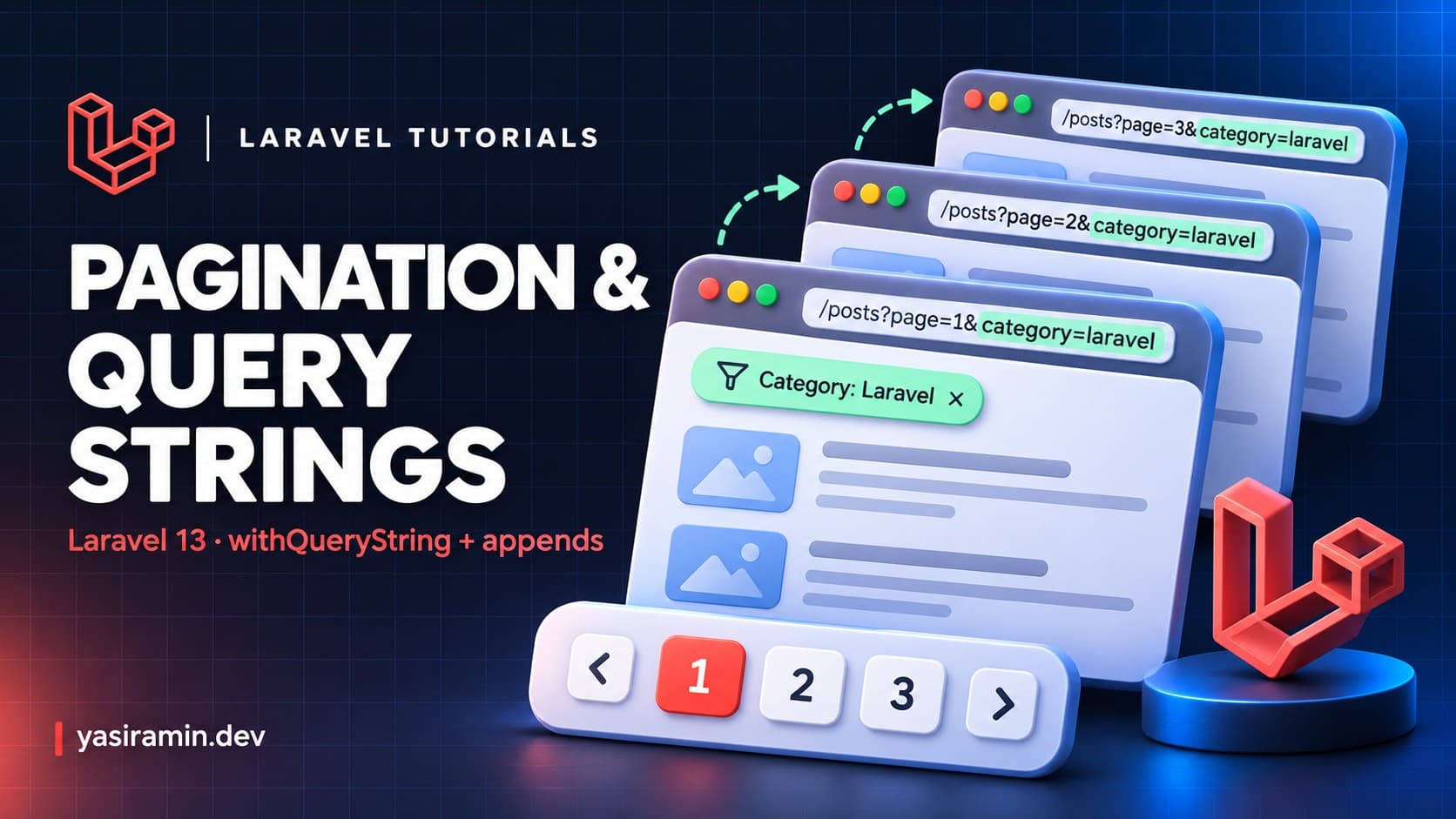
To keep search and filter parameters when paginating in Laravel 13, call withQueryString() on the paginator, or appends(['key' => 'value']) to add specific values. Without it, links to page 2 drop the ?search= part and the user loses the filter. This guide targets Laravel 13 and PHP 8.3 or newer.
Why do pagination links lose the query string?
The paginator builds each page link from the current path and a page parameter. It does not copy other query parameters by default. A URL like /products?search=bag&page=1 becomes /products?page=2 on the next link, so the search disappears.
Prerequisites
- Laravel 13 on PHP 8.3 or newer.
- A model with data, here a
Productwithname,categoryandpricecolumns. - Tailwind or Bootstrap pagination views (Laravel ships both).
Step 1: Add a route and controller
// routes/web.php
use App\Http\Controllers\ProductController;

Route::get('/products', [ProductController::class, 'index'])->name('products.index');<?php
namespace App\Http\Controllers;
use App\Models\Product;
use Illuminate\Http\Request;
class ProductController extends Controller
{
public function index(Request $request)
{
$validated = $request->validate([
'search' => ['nullable', 'string', 'max:100'],
'category' => ['nullable', 'string', 'max:50'],
'sort' => ['nullable', 'in:name,price'],
]);
$products = Product::query()
->when($validated['search'] ?? null, fn ($q, $s) => $q->where('name', 'like', "%{$s}%"))
->when($validated['category'] ?? null, fn ($q, $c) => $q->where('category', $c))
->orderBy($validated['sort'] ?? 'name')
->paginate(12)
->withQueryString();
return view('products.index', compact('products'));
}
}The key line is withQueryString(). It copies every parameter from the current request into the pagination links, so you do not list them by hand. Validation keeps unexpected input out of the generated URLs and out of the orderBy column.
How is appends() different from withQueryString()?
- withQueryString() adds all current query parameters automatically. It is the right default for filters and search.
- appends() adds only the values you pass. Use it to include something that is not in the current URL, or to limit what is carried over.
$products = Product::paginate(12)->appends([
    'category' => 'bags',
    'sort' => 'price',
]);
Step 2: Render the links in the view
{{-- resources/views/products/index.blade.php --}}
<form method="GET" action="{{ route('products.index') }}">
    <input type="search" name="search" value="{{ request('search') }}" placeholder="Search products">
    <select name="category">
        <option value="">All categories</option>
        <option value="bags" @selected(request('category') === 'bags')>Bags</option>
        <option value="shoes" @selected(request('category') === 'shoes')>Shoes</option>
    </select>
    <button type="submit">Filter</button>
</form>

<ul>
    @foreach ($products as $product)
        <li>{{ $product->name }} - {{ $product->price }}</li>
    @endforeach
</ul>

{{ $products->links() }}
The links() call renders the page numbers with the query string already attached. Because the filter form uses GET, the filter values are in the URL and can be bookmarked or shared.
What about simple pagination and cursor pagination?
All three paginator types support the same methods:
paginate()runs an extra count query and shows page numbers.simplePaginate()only shows Previous and Next, and skips the count query. It is faster on large tables.cursorPaginate()uses a cursor parameter and works well for large, frequently changing lists, but it needs a unique, ordered column.
Call withQueryString() on whichever you choose.
How do you change the page name or the path?
Use the third argument of paginate() to rename the parameter when one page has two lists, and withPath() when the links must point to a fixed URL, for example when the list is loaded by an AJAX call.
$products = Product::paginate(12, ['*'], 'products_page')->withQueryString();
$orders = Order::paginate(5, ['*'], 'orders_page')->withQueryString();

$products->withPath('/products');
How does this work in a JSON API?
When you return a paginator from a route or an API resource collection, Laravel converts it to JSON with data, links and meta keys. The next_page_url and similar links include the query string only when you called withQueryString(), so the same rule applies to APIs.
use App\Http\Resources\ProductResource;

Route::get('/api/products', function (Request $request) {
    $products = Product::query()
        ->when($request->query('category'), fn ($q, $c) => $q->where('category', $c))
        ->paginate(10)
        ->withQueryString();

    return ProductResource::collection($products);
});
Mobile and single-page apps usually follow the next link from the response, so a missing filter in that link is a real bug for them, not just a cosmetic one.
How do you test that the filter survives pagination?
it('keeps the category filter in pagination links', function () {
    Product::factory()->count(30)->create(['category' => 'bags']);

    $response = $this->getJson('/api/products?category=bags');

    $response->assertOk();
    expect($response->json('links.next'))->toContain('category=bags');
});
This test fails if someone removes withQueryString() later, which makes it a cheap guard against a regression users would notice quickly.
Common mistakes
- Forgetting
withQueryString()and then wondering why the filter resets on page 2. - Calling it before
paginate(). It is a paginator method, so call it on the result. - Using a POST form for filters. Pagination links are GET, so POST parameters cannot be carried over.
- Sorting by a column from user input without an allow-list.
- Using two paginators with the same
pagename on one page.
How do you verify it works?
- Seed more than 12 products and open
/products?category=bags. - Hover over the "2" link. It should end with
category=bags&page=2. - Click it and confirm the filter still applies and the filter form shows the selected value.
FAQ
Does withQueryString() include the page parameter twice?
No. The paginator replaces the page value for each link.
How do I paginate an array or a collection?
Create a LengthAwarePaginator manually, or use a database query instead. The same withQueryString() method is available on it.
How do I style the pagination links?
Laravel uses Tailwind views by default. Call Paginator::useBootstrapFive() in a service provider for Bootstrap, or publish the views with php artisan vendor:publish --tag=laravel-pagination.
Can I hide the count query?
Yes. Use simplePaginate() or cursorPaginate() when you do not need the total number of pages.
