


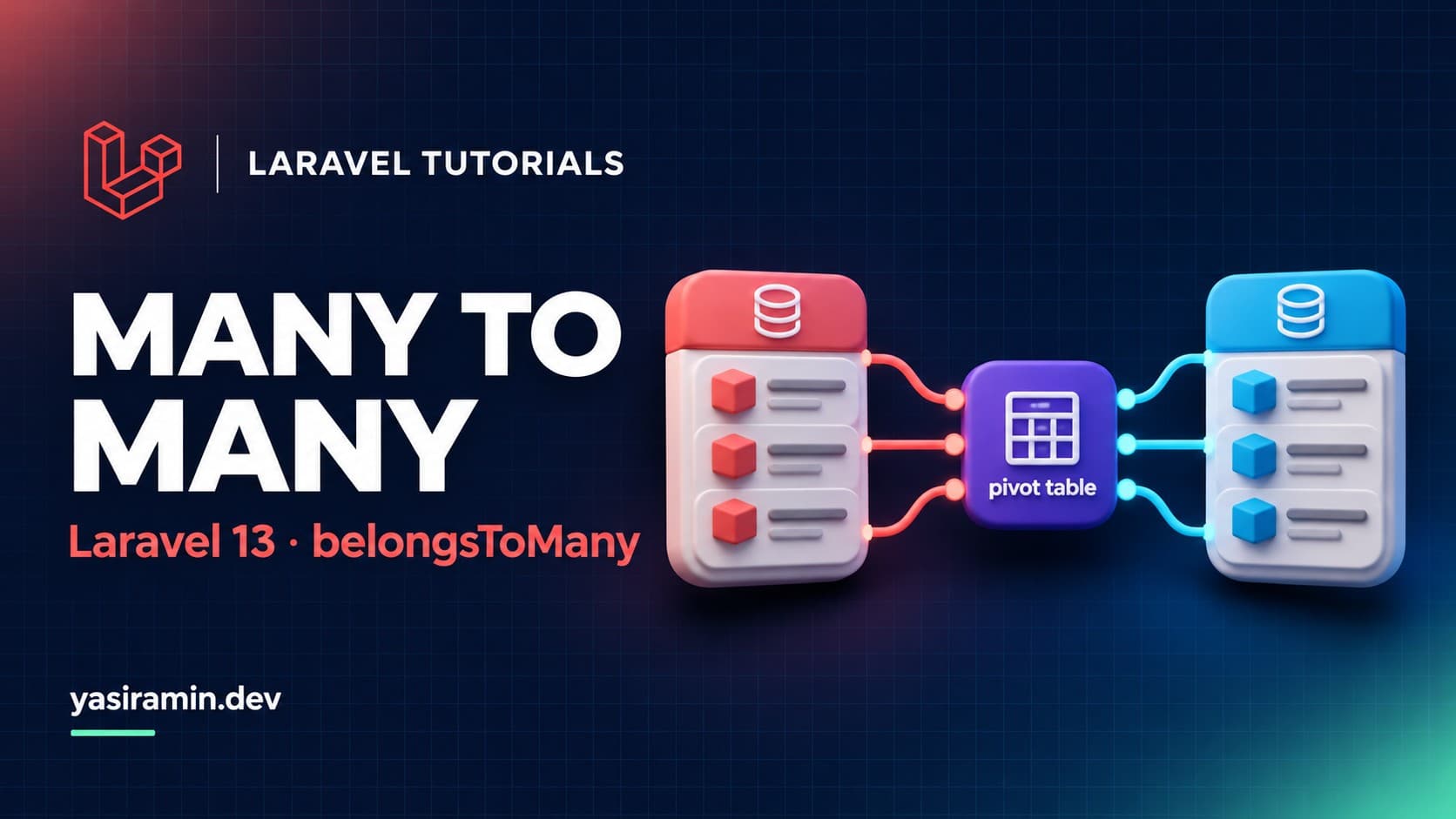
A many-to-many relationship in Laravel 13 uses a pivot table and the belongsToMany() method on both models. Create the pivot table with two foreign keys, define the relationship on each side, then manage links with attach(), detach(), sync() and toggle(). This tutorial uses users and roles.
What do you need before you start?
- Laravel 13 on PHP 8.3 or newer
- A
Usermodel and aRolemodel with their tables
How do you create the pivot table?
By default Laravel expects the pivot table name to be the two model names in singular form, in alphabetical order: role_user. Its columns are role_id and user_id.
php artisan make:migration create_role_user_table<?php
use Illuminate\Database\Migrations\Migration;
use Illuminate\Database\Schema\Blueprint;
use Illuminate\Support\Facades\Schema;
return new class extends Migration
{
public function up(): void
{
Schema::create('role_user', function (Blueprint $table) {
$table->id();
$table->foreignId('role_id')->constrained()->cascadeOnDelete();
$table->foreignId('user_id')->constrained()->cascadeOnDelete();
$table->timestamps();
$table->unique(['role_id', 'user_id']);
});
}
public function down(): void
{
Schema::dropIfExists('role_user');
}
};The unique index stops the same role being attached to the same user twice.
How do you define the relationship?
// app/Models/User.php
public function roles(): BelongsToMany
{
    return $this->belongsToMany(Role::class)->withTimestamps();
}

// app/Models/Role.php
public function users(): BelongsToMany
{
    return $this->belongsToMany(User::class)->withTimestamps();
}
Import Illuminate\Database\Eloquent\Relations\BelongsToMany in both models. withTimestamps() fills created_at and updated_at on the pivot rows.
How do you attach, detach and sync records?
$user = User::find(1);

$user->roles()->attach(3);                  // add one
$user->roles()->attach([1, 2]);             // add several
$user->roles()->detach(2);                  // remove one
$user->roles()->detach();                   // remove all

$user->roles()->sync([1, 2, 3]);            // exactly these ids
$user->roles()->syncWithoutDetaching([4]);  // add without removing
$user->roles()->toggle([1, 5]);             // flip each id
sync() removes any id not in the array, so it is the right tool for a "save the checkboxes" form. syncWithoutDetaching() only adds missing ids.
How do you store extra data on the pivot?
Add the columns to the migration, then expose them with withPivot().
public function roles(): BelongsToMany
{
    return $this->belongsToMany(Role::class)
        ->withPivot('assigned_by')
        ->withTimestamps();
}

$user->roles()->attach(2, ['assigned_by' => auth()->id()]);

foreach ($user->roles as $role) {
    echo $role->pivot->assigned_by;
}
How do you query through the relationship?
// users that have the "editor" role
$editors = User::whereHas('roles', fn ($q) => $q->where('name', 'editor'))->get();

// eager load to avoid N+1 queries
$users = User::with('roles')->get();

// count related rows
$users = User::withCount('roles')->get();
How do you handle a custom pivot table or key names?
return $this->belongsToMany(
    Role::class,        // related model
    'user_roles',       // pivot table
    'member_id',        // this model's foreign key on the pivot
    'role_id'           // related model's foreign key on the pivot
);
How do you verify it works?
php artisan tinker

>>> $u = User::factory()->create();
>>> $u->roles()->sync([Role::create(['name' => 'editor'])->id]);
>>> $u->fresh()->roles->pluck('name');
You should see the role name in the collection, and one row in role_user.
What are the common mistakes?
- Naming the pivot table in the wrong order or plural form
- Calling
sync()when you meant to add only, which silently detaches other roles - Forgetting
withTimestamps()and wondering why pivot dates are null - Loading
rolesinside a loop instead of eager loading
FAQ
Do I need a pivot model?
Not usually. Use a custom pivot model with using() only when the pivot needs its own behavior.
Can a pivot table have an id column?
Yes, but Laravel does not require it. A composite unique index is often enough.
How do I count or filter by pivot values?
Use wherePivot() on the relationship, for example $user->roles()->wherePivot('assigned_by', 1)->get().
