


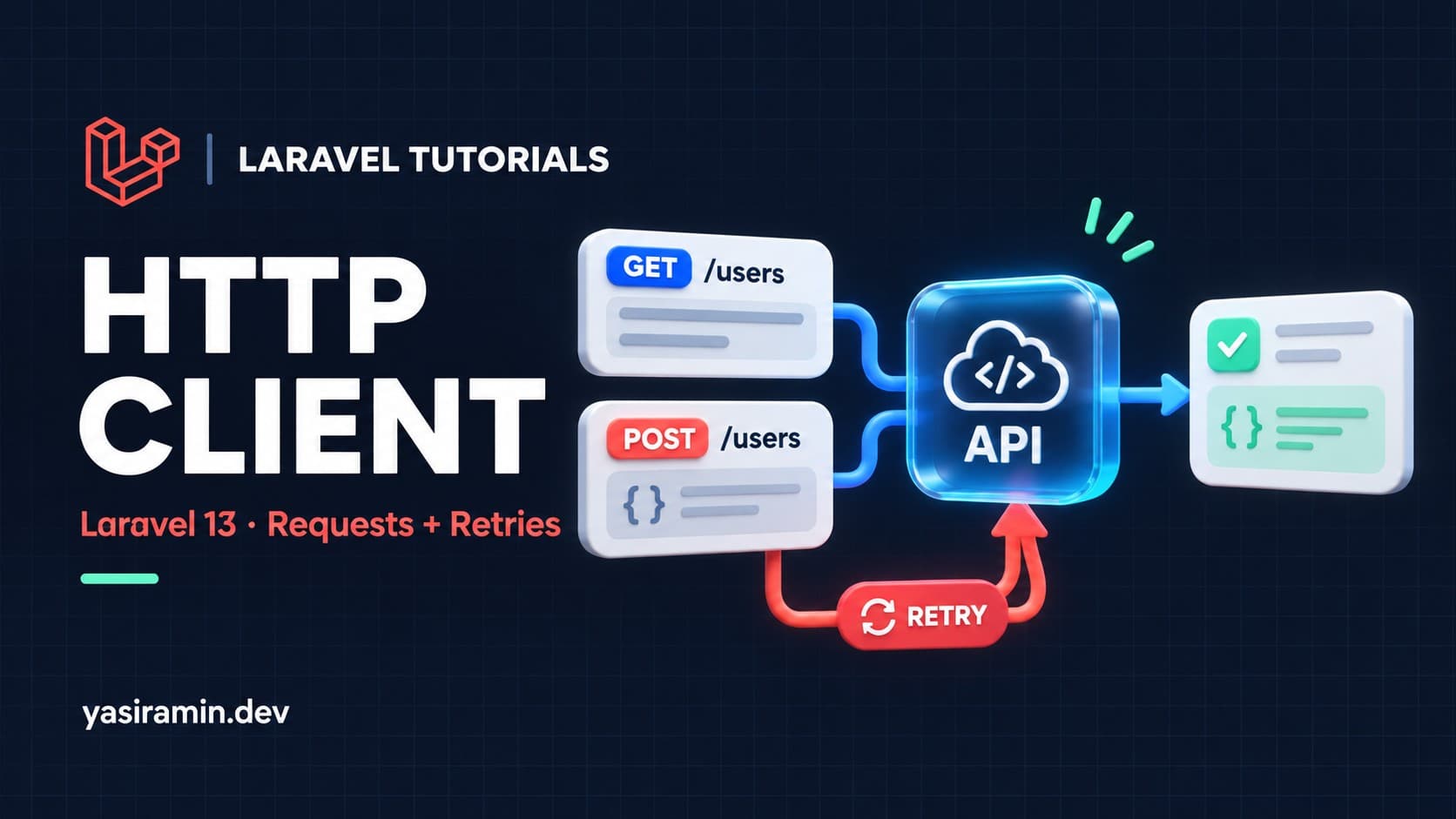
To call an external API in Laravel 13, use the Http facade: Http::get($url) or Http::post($url, $data). It wraps Guzzle, returns a Response object, and lets you add headers, tokens, timeouts, retries and error handling in a fluent chain.
You do not need to install Guzzle yourself. This guide shows GET and POST calls, authentication, retries, error handling and how to fake responses in tests.
What do I need first?
- Laravel 13 (current stable at the time of writing) on a supported PHP version.
- Any JSON API to call. The examples use a placeholder host,
api.example.com.
How do I make a GET request?
use Illuminate\Support\Facades\Http;

$response = Http::get('https://api.example.com/products', [
    'page'     => 1,
    'per_page' => 20,
]);

if ($response->successful()) {
    $products = $response->json('data');
}
The array becomes the query string. The json() method decodes the body, and json('data') reads one key using dot notation. Other useful checks are failed(), clientError() and serverError(), plus status() for the exact code.
How do I make a POST request with JSON?
$response = Http::acceptJson()->post('https://api.example.com/orders', [
    'sku'      => 'BK-100',
    'quantity' => 2,
]);

$order = $response->json();
By default post() sends the array as JSON. If the API expects a classic form body, add asForm():
Http::asForm()->post('https://api.example.com/login', [
    'username' => 'demo',
    'password' => 'secret',
]);
How do I send headers and tokens?
$response = Http::withToken(config('services.shop.token'))
    ->withHeaders(['X-Client' => 'my-laravel-app'])
    ->get('https://api.example.com/me');
Keep tokens in .env and read them through config/services.php. Never hard-code a secret in a controller.
// config/services.php
'shop' => [
    'url'   => env('SHOP_API_URL'),
    'token' => env('SHOP_API_TOKEN'),
],
How do I avoid repeating the base URL?
$shop = Http::baseUrl(config('services.shop.url'))
    ->withToken(config('services.shop.token'))
    ->acceptJson()
    ->timeout(10);

$products = $shop->get('/products')->json('data');
For a client you use in many places, put this chain in a small service class and inject it into controllers.
How do I set timeouts and retries?
$response = Http::timeout(10)
    ->retry(3, 200)
    ->get('https://api.example.com/reports');
timeout(10) gives up after ten seconds. retry(3, 200) tries up to three times, waiting 200 milliseconds between attempts. Retry only requests that are safe to repeat. A POST that creates an order may create it twice if the first attempt succeeded but the response was lost.
How do I handle errors?
HTTP errors such as 404 or 500 do not throw by default. Either check the response or call throw().
use Illuminate\Http\Client\RequestException;
use Illuminate\Http\Client\ConnectionException;

try {
    $data = Http::timeout(10)
        ->get('https://api.example.com/products/99')
        ->throw()
        ->json();
} catch (RequestException $e) {
    report($e);
    $status = $e->response->status();
} catch (ConnectionException $e) {
    report($e);
}
A connection failure, such as a DNS error or timeout, raises ConnectionException. A 4xx or 5xx response raises RequestException after throw().
How do I test code that calls an API?
Never hit the real API in tests. Fake it.
use Illuminate\Support\Facades\Http;

public function test_products_are_loaded(): void
{
    Http::preventStrayRequests();

    Http::fake([
        'api.example.com/products*' => Http::response(
            ['data' => [['id' => 1, 'name' => 'Book']]],
            200
        ),
    ]);

    $this->get('/shop')->assertOk()->assertSee('Book');

    Http::assertSent(fn ($request) => str_contains($request->url(), '/products'));
}
preventStrayRequests() makes any unfaked request throw, so a forgotten call cannot reach the internet.
What are the common mistakes?
- Assuming errors throw. Without
throw(), a 500 response returns normally andjson()may be empty. - No timeout. A slow API then holds your PHP worker open. Always set one.
- Retrying non-idempotent calls. Add an idempotency key if the API supports it.
- Calling APIs in the request cycle. For slow work, dispatch a queued job instead.
- Leaking secrets in logs. Do not log full request headers.
How do I check that it works?
Run a quick call in php artisan tinker against a public JSON endpoint and inspect status() and json(). For your own code, rely on the faked tests above.
FAQ
Do I still need to install Guzzle?
No. Laravel ships the HTTP client and Guzzle is already a dependency of it.
How do I upload a file?
Use Http::attach('file', file_get_contents($path), 'report.pdf')->post($url).
Can I send requests in parallel?
Yes. Http::pool() runs several requests concurrently. See the official docs for the syntax.
