

Folio - Collaborative Document Workspace
A focused writing workspace with rich-text editing, shared access and conflict-safe saving.
A React and Node.js document workspace with a Tiptap editor, autosave, viewer/editor sharing, plain-text import/export and revision-based conflict recovery. Deployed on Vercel with persistent Neon Postgres storage.
Case Study Overview & Implementation
Overview
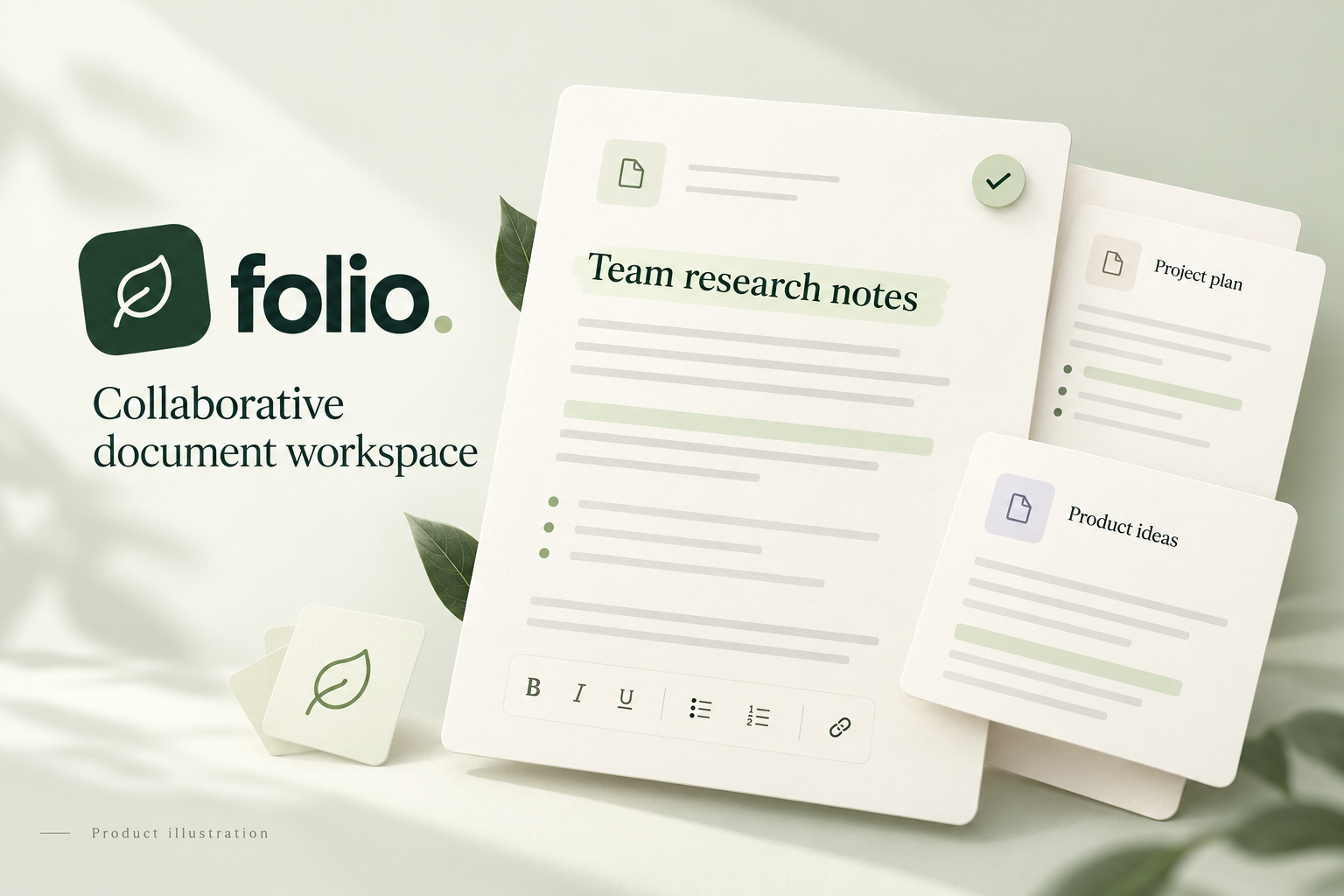
Folio is an open-source collaborative document workspace for writing, organizing and sharing documents. It brings document creation, rich-text writing, sharing and persistence into a calm, responsive interface.
The implementation focuses on reliable everyday workflows: write a document, save it, share it with another demo account and reopen it without losing formatting or overwriting someone else's changes.
Writing and document management
- Create, rename, search and reopen documents in grid or list view, with separate owned and shared filters.
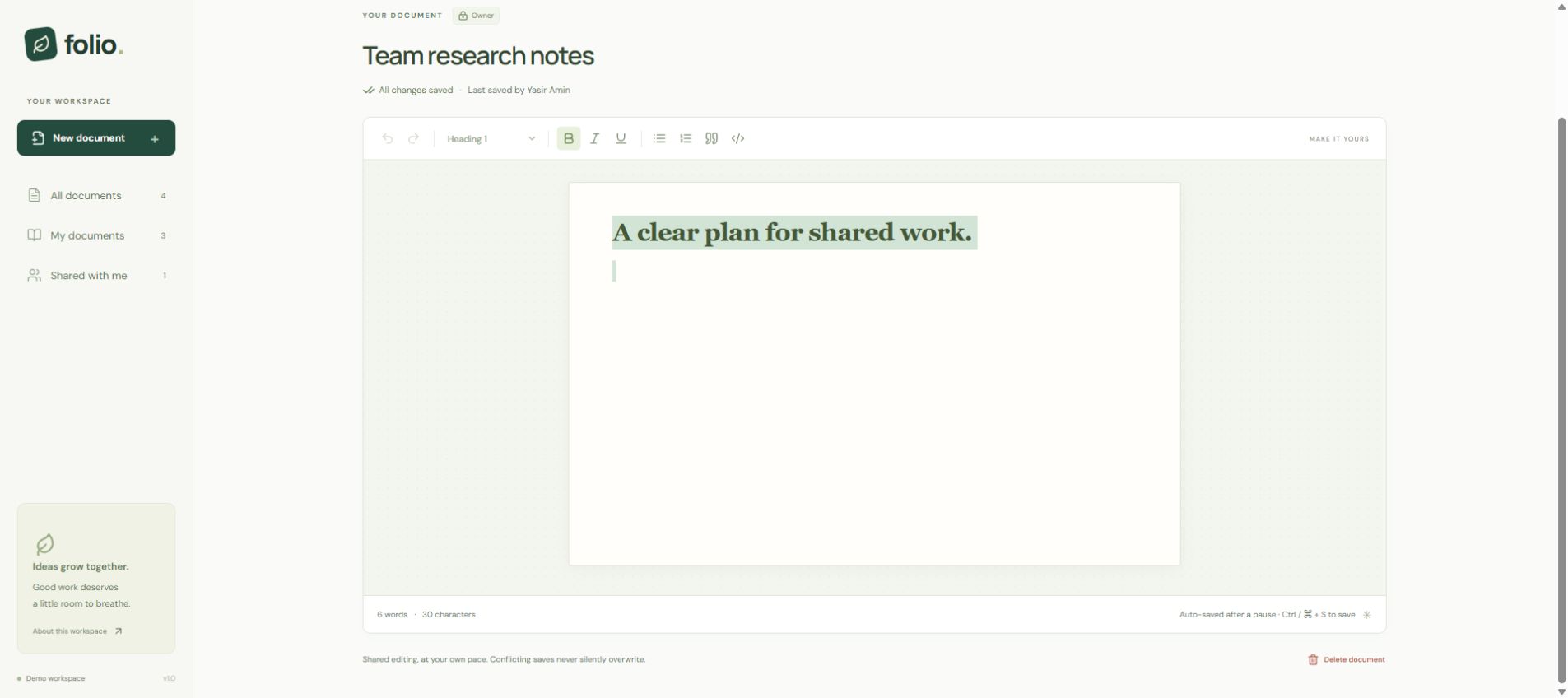
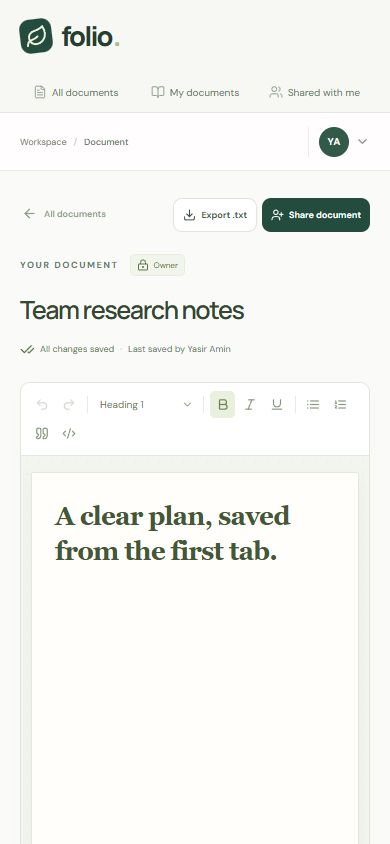
- Format content with headings, bold, italic, underline, lists, block quotes and code blocks using Tiptap.
- Use debounced autosave or an explicit keyboard save, with visible saving and failure states.
- Import UTF-8 .txt files up to 256 KB and export readable plain text.
Sharing with server-enforced permissions
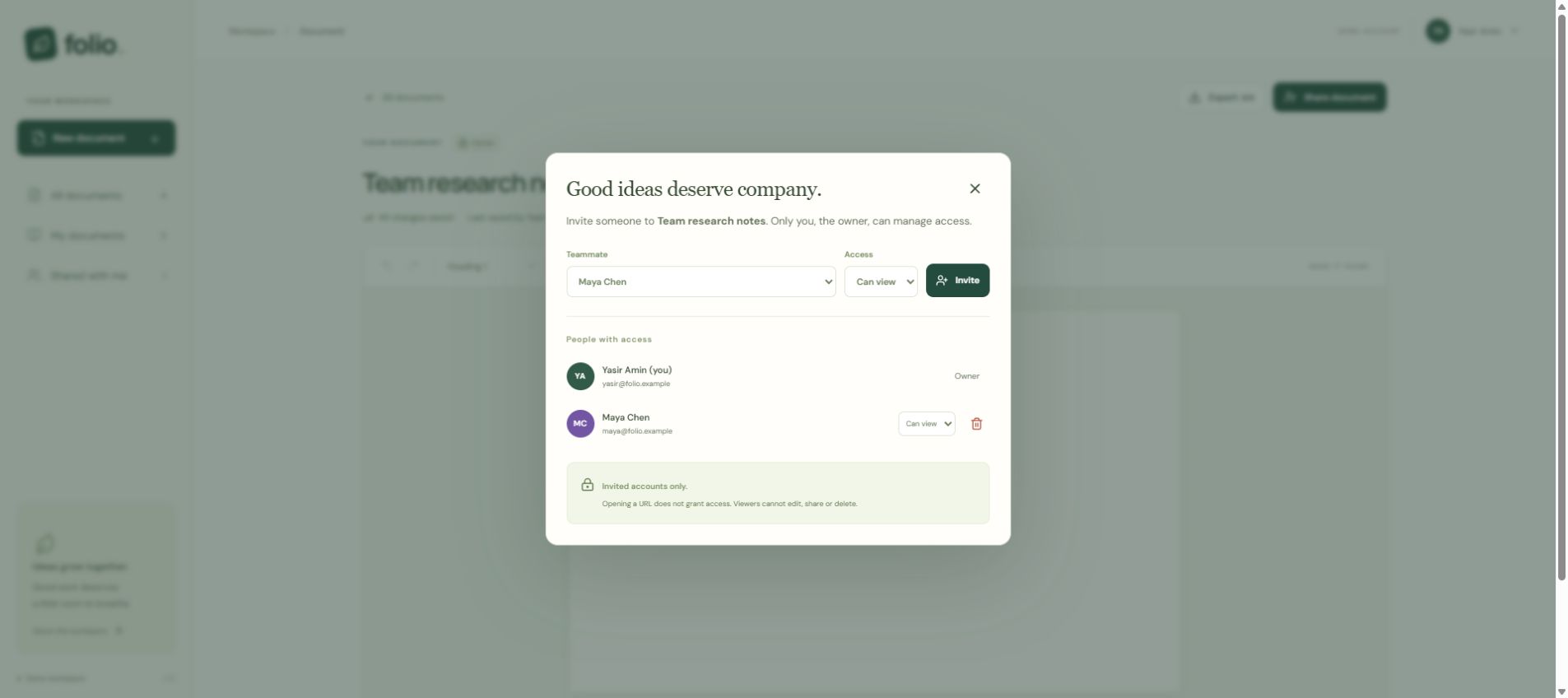
Document owners manage viewer/editor access for the seeded demo accounts. Viewers can read and export; editors can update content; only owners can share or delete. API and database checks enforce these boundaries, including access revocation.
Protecting work from stale saves
Each document carries a revision. An atomic conditional update rejects a stale save with a conflict response instead of silently replacing newer content. The editor retains the local draft and offers recovery options, including saving a separate copy. Browser draft recovery and unsaved-change guards support interrupted editing.
Architecture and deployment
A React and TypeScript frontend communicates with an Express API through same-origin requests. Structured editor JSON is validated on the server; SQL queries bind parameters. Local development uses Node 24's SQLite API. The hosted deployment uses a Vercel function and a dedicated Neon Postgres database so documents, shares and sessions persist across releases.
Validation
Integration coverage exercises permission enforcement and revocation, stale-save conflicts, rich-text persistence, UTF-8 import validation, session handling and request-origin checks. The project documentation records local and hosted verification, including mobile editor review.
Scope and tradeoffs
The public demo uses selectable sample identities rather than verified production authentication. Collaboration is asynchronous with revision protection; it does not provide simultaneous character-level editing or CRDT merging. Import/export supports plain text, not DOCX or PDF. Use sample documents only.
The project was implemented with OpenAI Codex assistance; I recorded and narrated the walkthrough. The focus is a clear product slice, explicit tradeoffs and verifiable behavior.
Open source
The source code is available on GitLab under the MIT License, with setup instructions, architecture notes and integration tests. Dependencies retain their respective licenses.
React 19
Responsive document library and writing workspace.
TypeScript
Shared client/server contracts and strict type checking.
Tiptap
Rich-text editing with validated structured document JSON.
Node.js 24 and Express
Same-origin API, session handling and request validation.
Neon Postgres
Persistent hosted documents, sessions, ownership and sharing.
SQLite
Local persistence with foreign keys and revision-aware writes.
Vite and Vercel
Lazy-loaded editor build, static delivery and serverless API hosting.
Zod and Supertest
Schema validation and HTTP integration coverage.
Project Gallery & Screenshots
YouTube Channel
Build Along With Me
Practical walkthroughs on Laravel, React, APIs and deployment workflows.

Muhammad Yasir Amin
Senior Full Stack Engineer
Independent Senior Full Stack Engineer working on Laravel, React and Next.js applications, APIs and delivery workflows.
What Does Your Application Need Next?
Share your current system, the problem you want to solve and what a useful result looks like. We can identify the right starting point and agree on a practical scope.
Technical Audit
Find the Next Useful Fix
Application Development
Scoped, Reviewable Milestones
Ongoing Support
Agreed Capacity and Priorities
Share your goals, current stack and requirements before the call.