

create-dev-engine – Project Dockerization CLI
Generate application scaffolds and Docker configuration from inspectable templates.
A TypeScript CLI for application scaffolding, feature-module generation and Docker configuration. Manifest-based detection selects templates; generated files and runtime compatibility need review before deployment.
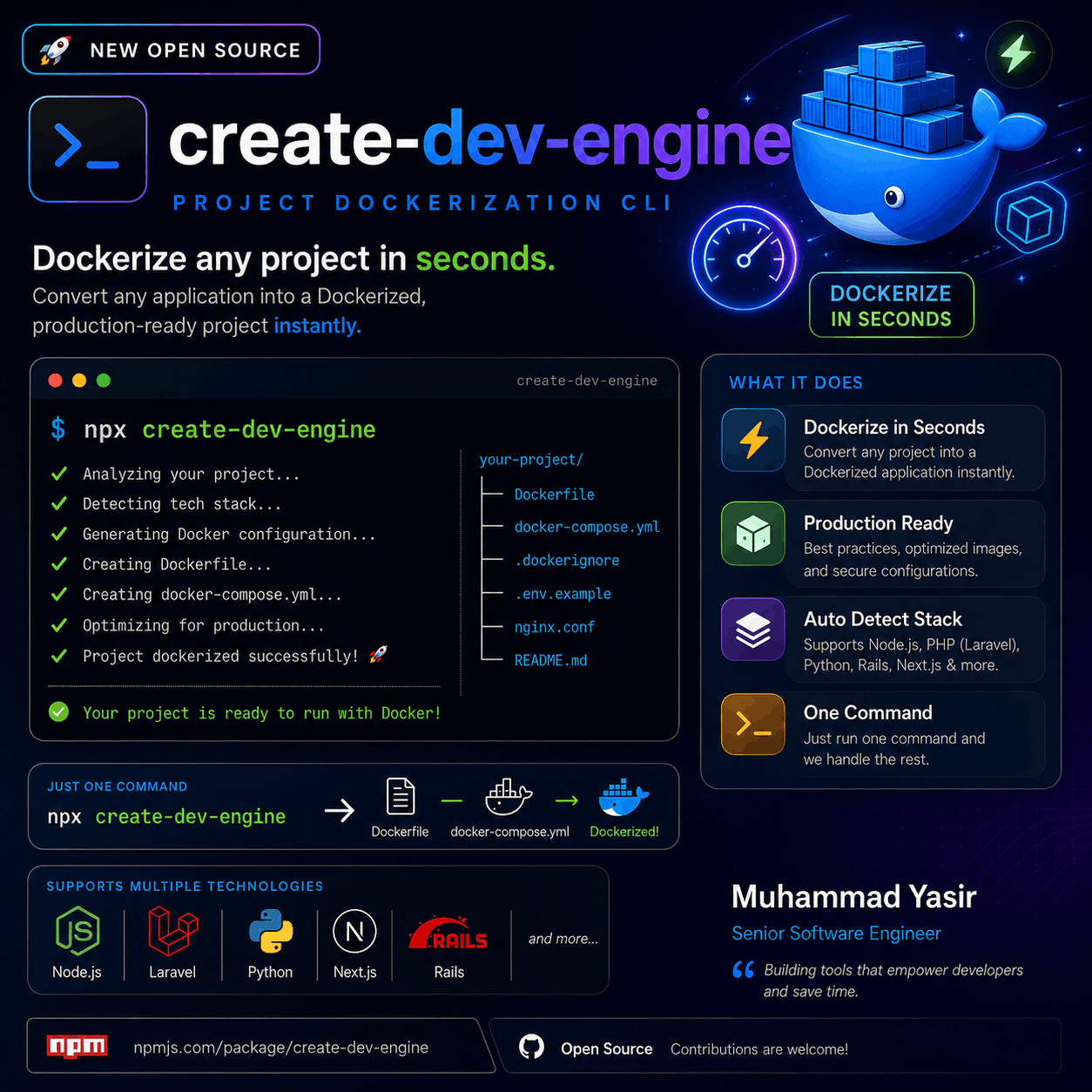
Case Study Overview & Implementation
A CLI for repeatable project setup
create-dev-engine is a Node.js and TypeScript command-line project for scaffolding applications, generating feature modules and producing Docker configuration from templates. Its purpose is to reduce repeated configuration work while keeping the generated files available for inspection and editing.
What the Dockerization workflow does
The command examines the current working directory. It reads Composer or npm manifests to classify the application and uses environment-file hints for database and Redis choices. It then selects Handlebars templates and writes a Dockerfile, Compose configuration, Docker ignore file and deployment helper script.
The source contains separate generation paths for legacy and modern Laravel, Next.js and Node APIs. Detection is heuristic: recognizing a manifest is not proof that an application's extensions, runtime constraints, build scripts or infrastructure are compatible with the selected template.
Other command workflows
Initialization: an interactive wizard collects architecture, database and cache choices for a new scaffold.
Module generation: creates controller, service, repository, validation-schema and test files from a module name and field definitions.
Dockerization: generates configuration and can optionally build and start containers.
Audit: provides automated checks as a starting point for review; it is not a complete security assessment.
Review the generated result
Use a clean branch or disposable copy before generation, because the template writer writes directly to its destination paths. Review the diff, selected runtime, dependency installation, environment handling, published ports and volume choices before starting containers. Keep private credentials out of generated images and source control.
The optional run step invokes Docker Compose on the current machine. Starting containers is distinct from provisioning a hosting environment, configuring a public domain or validating an application's production behavior.
Scope and limitations
The current detector recognizes Python manifests, but the generation switch falls back to a general Node template rather than a dedicated Python Dockerfile. React applications are grouped with the Next.js template path. These cases need review and adaptation; the project does not guarantee automatic deployment of every detected framework.
Inspect the CLI source and view create-dev-engine on npm. The command definitions, detector and template service make the supported behavior and extension points visible.
Node.Js
CLI runtime and application logic
TypeScript
Type-safe development
Docker & Docker Compose
Containerization & Multi-container orchestration
Nginix
Reverse proxy configuration
NPM
Package distribution
Commander.js
CLI command management
YouTube Channel
Build Along With Me
Practical walkthroughs on Laravel, React, APIs and deployment workflows.

Muhammad Yasir Amin
Senior Full Stack Engineer
Independent Senior Full Stack Engineer working on Laravel, React and Next.js applications, APIs and delivery workflows.
What Does Your Application Need Next?
Share your current system, the problem you want to solve and what a useful result looks like. We can identify the right starting point and agree on a practical scope.
Technical Audit
Find the Next Useful Fix
Application Development
Scoped, Reviewable Milestones
Ongoing Support
Agreed Capacity and Priorities
Share your goals, current stack and requirements before the call.