

Foundation Kit - Docker Development Setup
One command spins up a full Laravel and React dev stack, zero manual setup
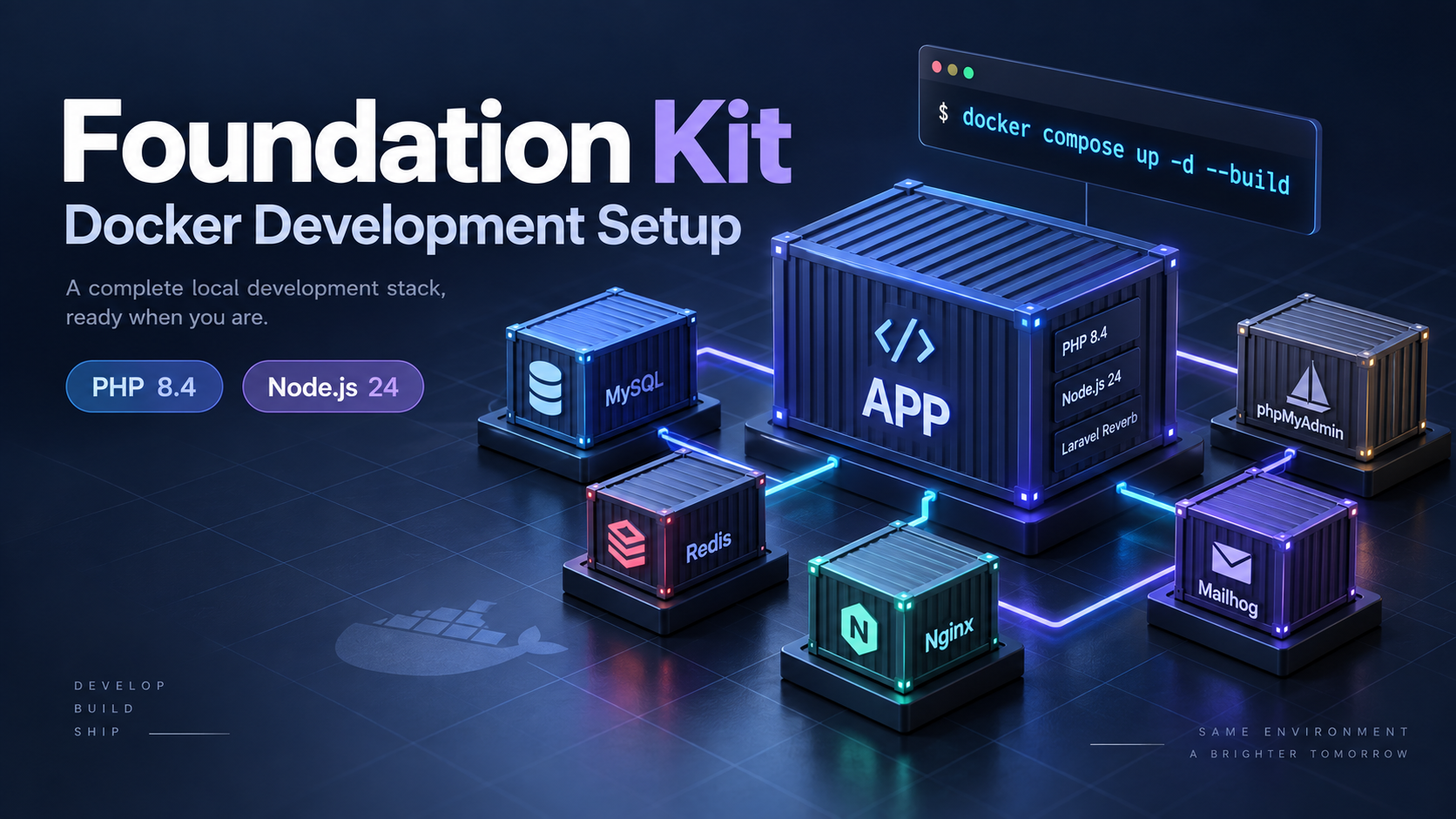
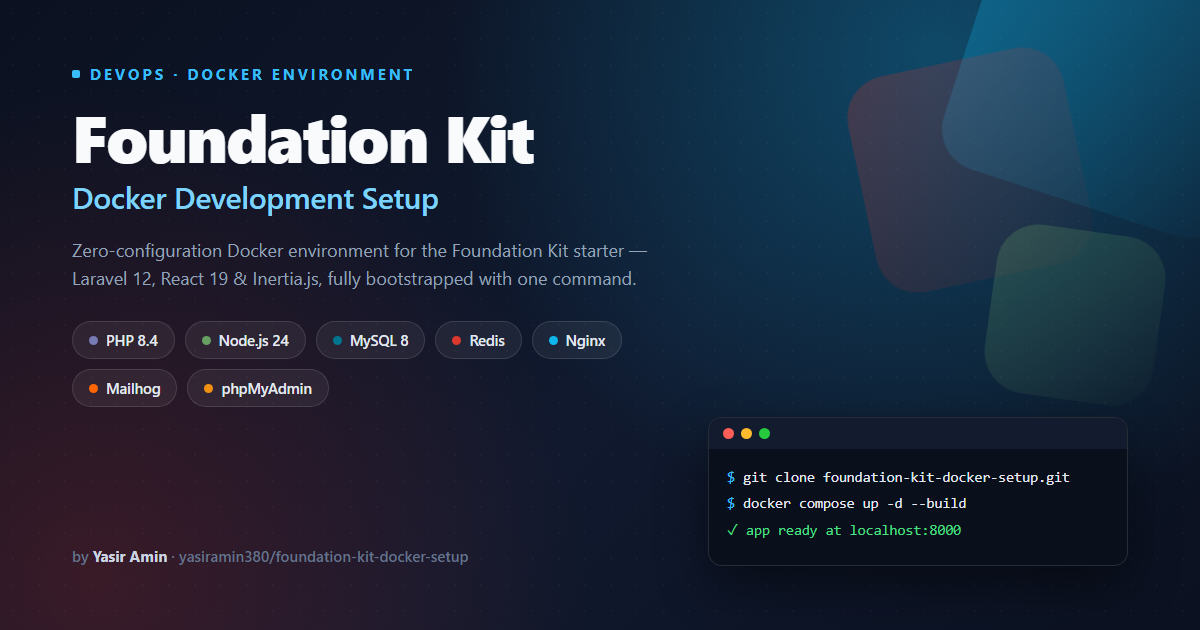
A Docker Compose environment that installs the Foundation Kit starter automatically with PHP 8.4, Node.js 24, MySQL 8, Redis, Nginx, Mailhog, and phpMyAdmin, migrated, seeded, and built on first boot.
Case Study Overview & Implementation
Overview
Foundation Kit — Docker Development Setup is a ready-to-run Docker Compose environment built specifically for the Foundation Kit Laravel + React starter kit. Cloning the repository and running one command provisions the full application stack — runtime, web server, database, cache, mail testing, and a database admin UI — with Foundation Kit itself installed and bootstrapped automatically on first boot.
Why this exists
Getting a Laravel 12 + React 19 + Inertia project running locally normally means installing the right PHP version and extensions, Composer, Node.js, a database server, and a cache/queue backend, then keeping all of that consistent across every machine on the team. This setup collapses that entire process into a single Dockerfile, a docker-compose.yml, an Nginx config, and one shell entrypoint script.
What is included
- App container: PHP 8.4-FPM with Node.js 24, Composer, and the extensions Laravel needs — pdo_mysql, gd, bcmath, pcntl, exif, and redis. Xdebug is preinstalled but disabled by default.
- Nginx: serves the Laravel public directory and forwards requests to PHP-FPM.
- MySQL 8: the application database, with a healthcheck and a named volume so data survives ordinary container recreation.
- Redis 7: cache, session, and queue backend.
- Mailhog: catches every email Fortify sends (verification, password reset, 2FA) and exposes a browser inbox instead of a real inbox.
- phpMyAdmin: a browser-based admin UI wired directly to the MySQL service.
Automated first boot
docker-entrypoint.sh does the work a developer would otherwise do by hand: it installs yasiramin380/foundation-kit via Composer if the project is not present yet, copies the Docker .env, installs PHP and Node dependencies, generates the app key, waits for MySQL to accept connections, runs migrations and seeders, creates the storage symlink, generates Wayfinder route types, builds the frontend with Vite, and starts Laravel Reverb in the background before handing off to PHP-FPM.
Quick start
git clone https://gitlab.com/yasiramin380/foundation-kit-docker-setup.git my-app
cd my-app
docker compose up -d --build
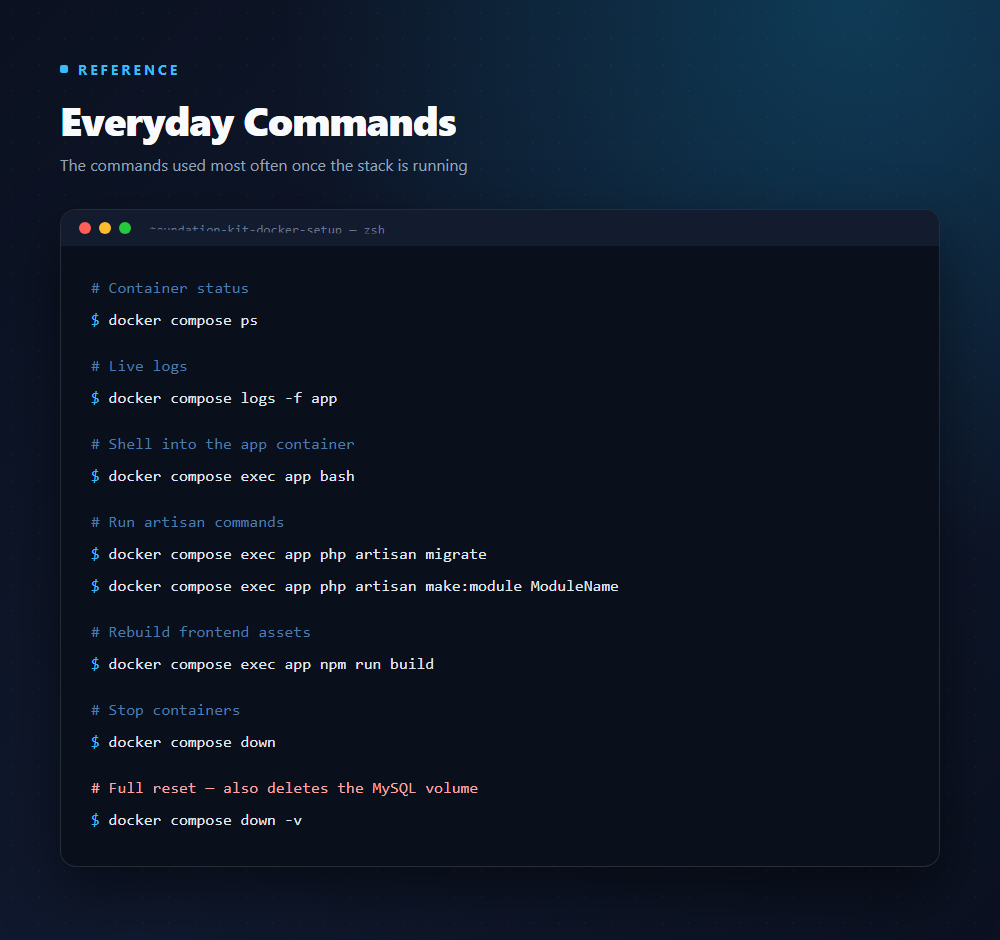
Everyday commands
docker compose ps
docker compose logs -f app
docker compose exec app bash
docker compose exec app php artisan migrate
docker compose exec app php artisan make:module ModuleName
docker compose exec app npm run build
docker compose down
Default access
- Application:
http://localhost:8000— hello@admin.dev / password - Reverb WebSockets:
ws://localhost:8080 - phpMyAdmin:
http://localhost:8081— user / user123 - Mailhog inbox:
http://localhost:8025
Created by Yasir Amin. View repository · Foundation Kit package
Docker and Docker Compose
Defines and orchestrates all six services from one docker-compose.yml, with the app image built from a custom Dockerfile
PHP 8.4-FPM
Application runtime with pdo_mysql, gd, bcmath, pcntl, exif and redis extensions preinstalled, plus Xdebug available but disabled by default
Node.js 24
Bundled inside the app image so npm install and npm run build work with no Node installation on the host
Nginx
Serves the Laravel public directory and forwards PHP requests to the app container over FastCGI
MySQL 8
Primary database with a healthcheck and a named mysql_data volume that persists across ordinary container recreation
Redis 7
Backs the application cache, session store and queue connection
Mailhog
Captures outgoing SMTP mail and exposes a web inbox at port 8025 for safe local email testing
phpMyAdmin
Browser-based MySQL administration wired directly to the mysql service
Project Gallery & Screenshots
YouTube Channel
Build Along With Me
Practical walkthroughs on Laravel, React, APIs and deployment workflows.

Muhammad Yasir Amin
Senior Full Stack Engineer
Independent Senior Full Stack Engineer working on Laravel, React and Next.js applications, APIs and delivery workflows.
What Does Your Application Need Next?
Share your current system, the problem you want to solve and what a useful result looks like. We can identify the right starting point and agree on a practical scope.
Technical Audit
Find the Next Useful Fix
Application Development
Scoped, Reviewable Milestones
Ongoing Support
Agreed Capacity and Priorities
Share your goals, current stack and requirements before the call.