

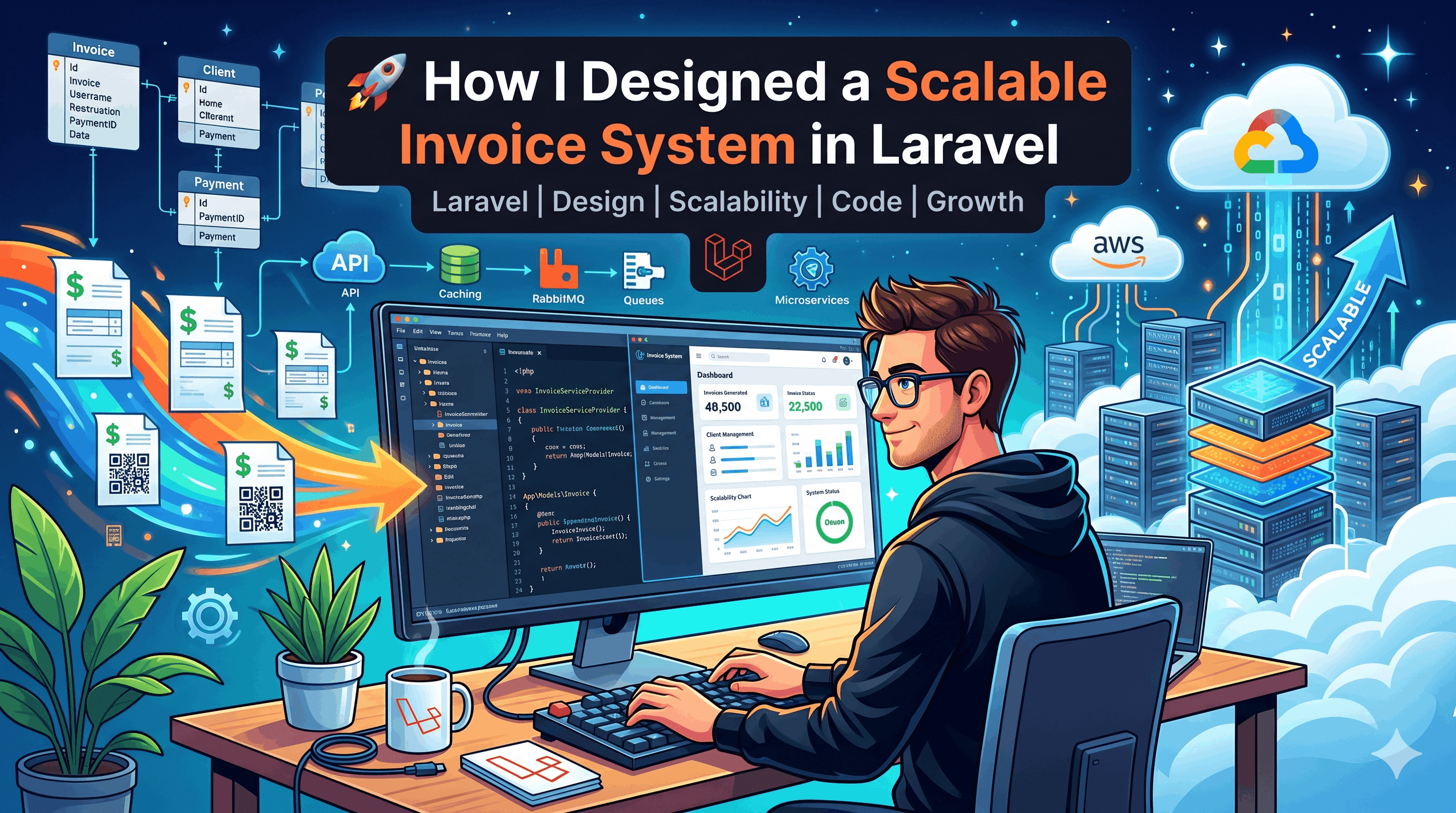
An invoice generator needs a precise answer to a small question: which transactions belong to this invoice? In Nucleus, the answer is a calendar month of ledger entries, linked to an invoice through a pivot table. That relationship lets the application explain a total instead of storing a number with no connection to its source records.
This walkthrough describes the Laravel implementation in the Nucleus codebase: its data model, monthly Artisan command, scheduler and PDF export. It also separates the current behavior from improvements needed for larger workloads. The implementation has not been presented here as a measured throughput benchmark or a complete accounting system.
Define the accounting scope first
Nucleus uses a single-entry income and expense ledger. A monthly invoice summarizes its attached transactions: total income, total expense and their difference. It is not a double-entry accounting ledger, a tax engine or an accounts-receivable reconciliation service.
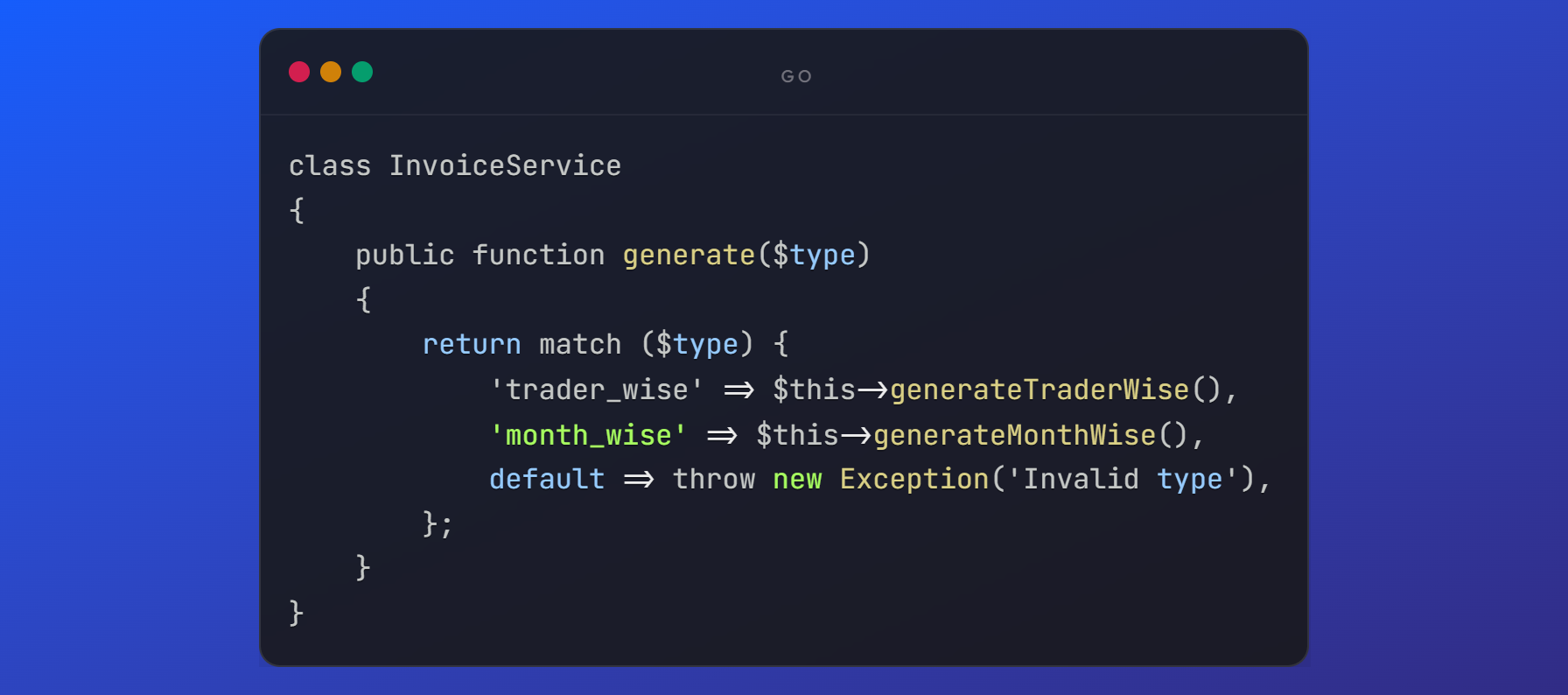
The invoice model also recognizes trader-wise and category-wise types, but the automatic command currently generates month-wise invoices. Recognizing a type in an enum does not mean every type has an implemented generation workflow. Keeping that distinction visible prevents the UI and documentation from promising behavior the command does not supply.
Keep source transactions attached to the invoice
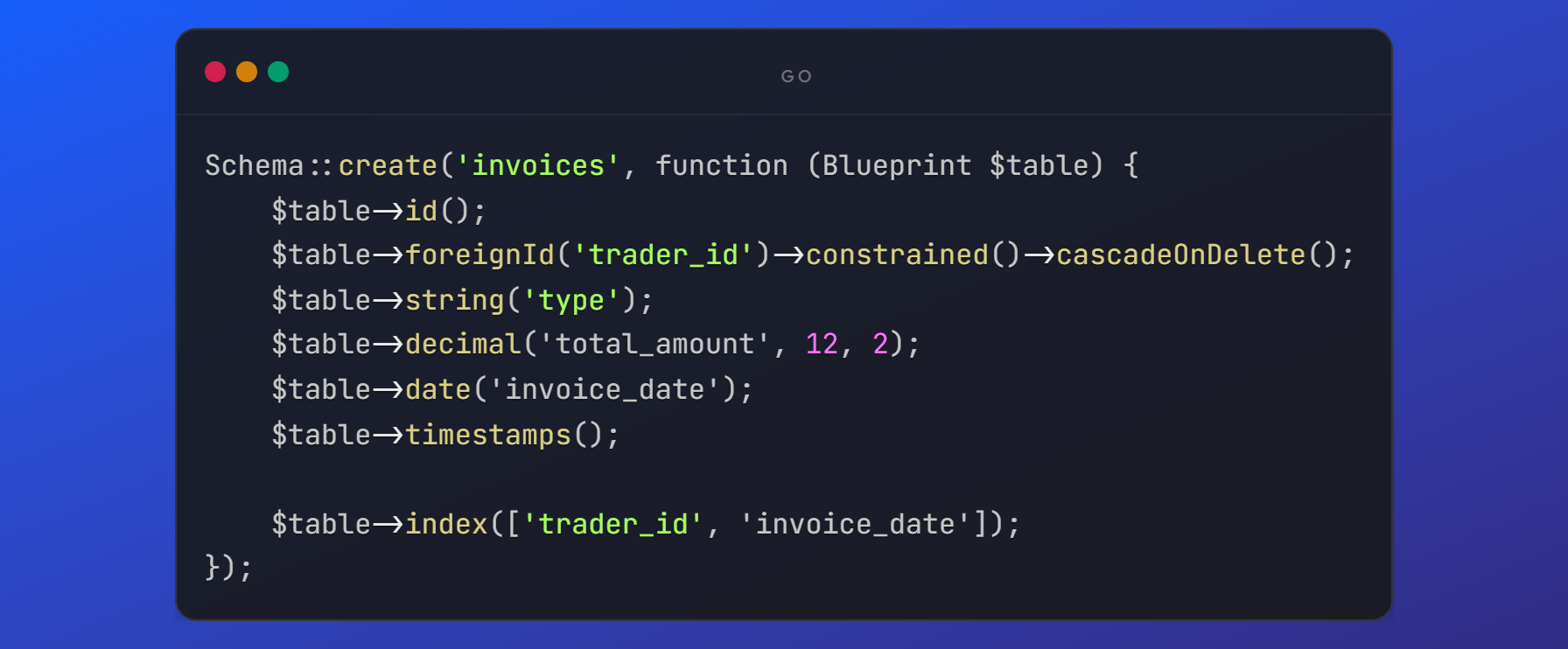
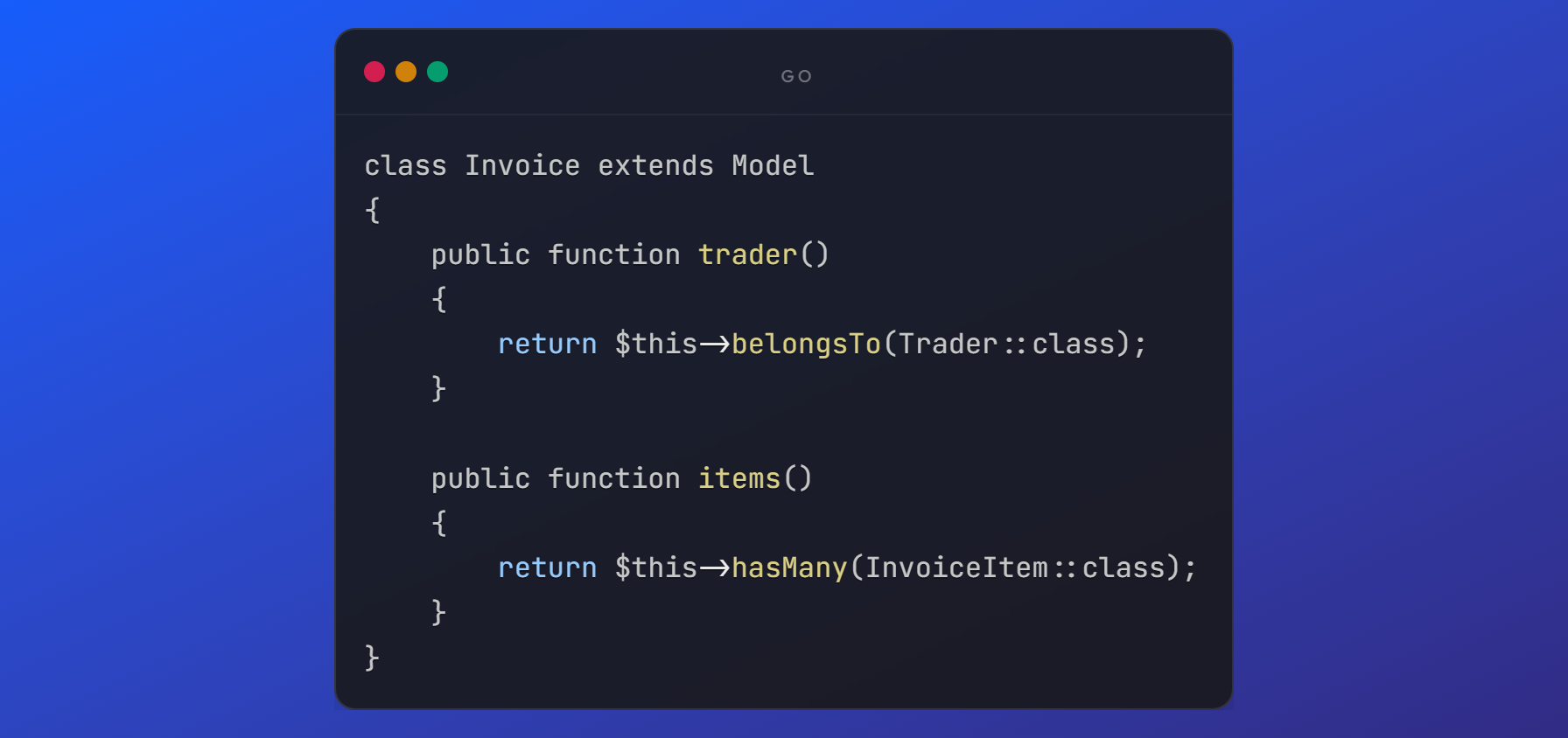
The invoices table holds the invoice number, type, status, period dates and monetary totals. The invoice_transaction table links those invoices to existing ledger entries. The model exposes that relationship as follows:
public function transactions(): BelongsToMany
{
    return $this->belongsToMany(Transaction::class, 'invoice_transaction');
}
A transaction has the corresponding invoices() relationship. The command selects entries that are not already attached to an invoice through this scope:
public function scopeUnInvoiced(Builder $query): Builder
{
    return $query->whereDoesntHave('invoices');
}
This makes the selection rule explicit. It also raises a product decision: attaching an entry to any invoice removes it from this particular un-invoiced selection. If the application later needs the same entry in several independent reporting documents, that rule must be revisited rather than assuming the current scope covers every invoice type.
Understand the monthly command's three modes
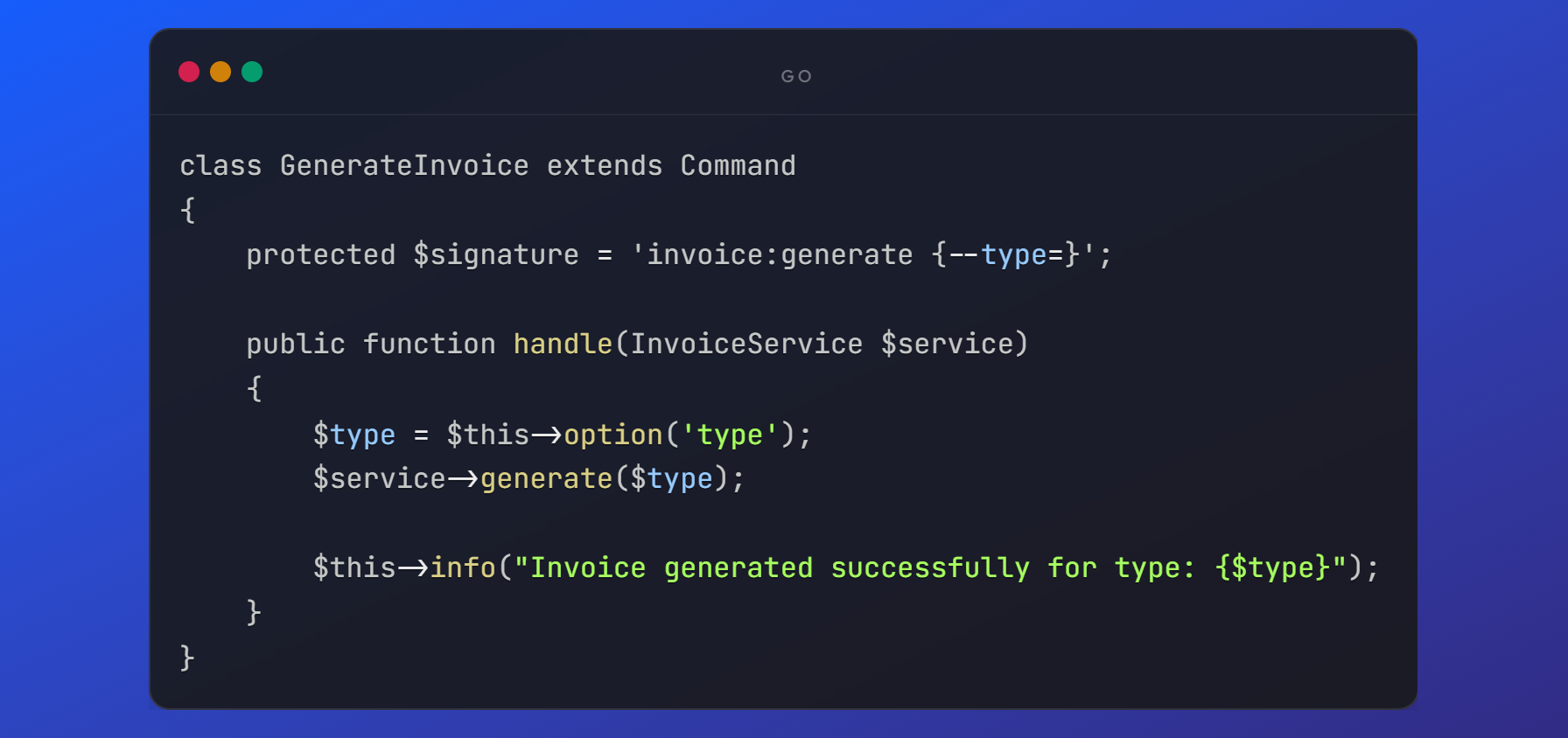
GenerateMonthlyInvoices registers invoice:generate with optional --month and --current flags. Without either flag, it loads un-invoiced transactions and groups them by their transaction date's Y-m value. It can therefore process outstanding entries from more than one month.
With --month, it selects that calendar month's un-invoiced entries. With --current, it selects the current calendar month. These are write commands. The examples below should be run against a development database with deliberate fixtures, not against a production ledger merely to explore the interface.
php artisan invoice:generate --month=2026-09
php artisan invoice:generate --current
php artisan invoice:generate
The command calculates the beginning and end of the target month with Carbon. Timezone and date-storage conventions still matter: a boundary test should include an entry on the month's last day, particularly when the database column stores a timestamp. The exact treatment of that final day's time must be checked, rather than inferred from a human-readable date label.
Update an existing period instead of starting another invoice
For a selected month, the command first looks for a month-wise invoice with matching start and end dates. If it finds one, it attaches the new transaction IDs without detaching the existing IDs:
$existingInvoice->transactions()
    ->syncWithoutDetaching($transactions->pluck('id'));

$allTransactions = $existingInvoice->transactions()->get();
The totals are then recalculated from all attached transactions, including those already invoiced. If no invoice exists for the period, the command creates a generated invoice with a unique invoice number and attaches the selected IDs. A later run can add newly recorded entries to the same monthly document.
This is useful repeat-run behavior for a single execution path. It does not establish concurrency-safe exactly-once generation. The inspected migrations make the invoice number unique, but do not enforce a unique month-wise period or a unique invoice/transaction pair. Before allowing concurrent generators, use a database transaction, a deliberate period-identity constraint and an overlap strategy appropriate to the deployment.
Make monetary precision a documented decision
Invoice totals are stored as decimal columns and cast as decimal strings by Eloquent. The current command converts collection sums to floating-point values before subtracting expense from income. Persisting a decimal column does not remove rounding behavior introduced earlier in a floating-point calculation.
For accounting-grade requirements, define the currency, rounding rule and storage precision first, then use a decimal calculation strategy or integer minor units consistently. Nucleus currently has different decimal scales for transaction amounts and invoice totals. That is a reason to add focused reconciliation tests, not to claim every stored total is automatically correct.
Schedule generation and render PDFs as separate operations
The application registers monthly generation in routes/console.php:
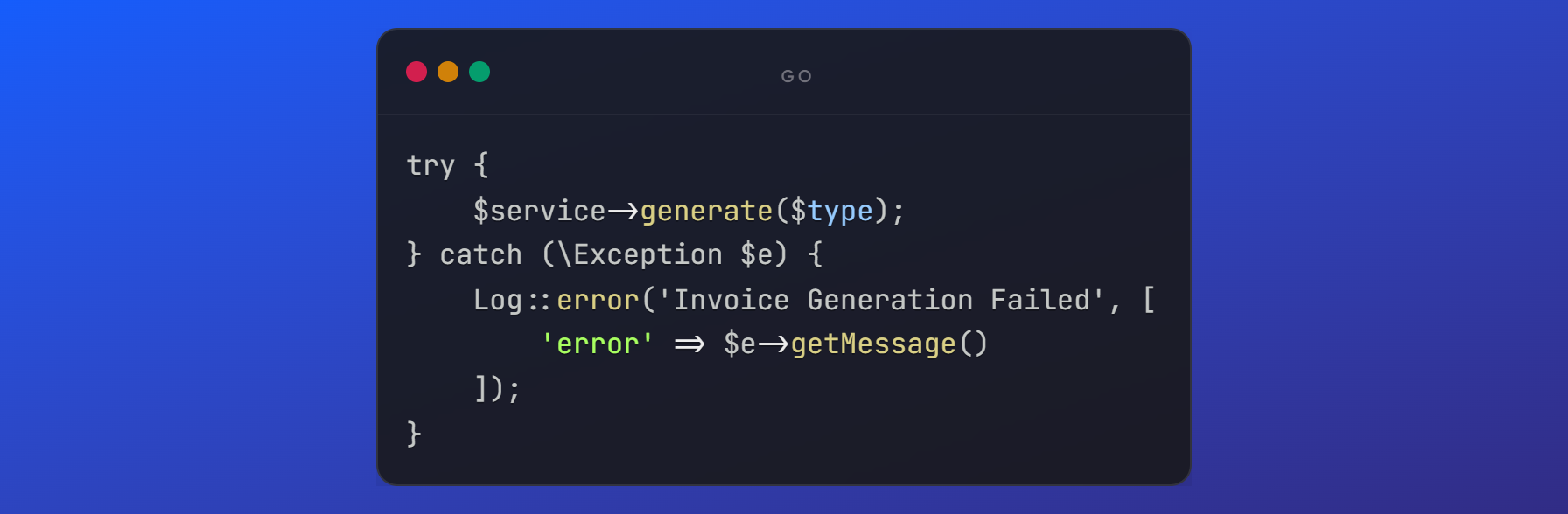
Schedule::command('invoice:generate')->daily();This command runs directly through Laravel's scheduler. It does not require a queue worker for its present implementation. The hosting scheduler still needs to invoke Laravel's scheduler, and its output must be observable. php artisan schedule:list shows the registered definition; it does not prove the hosting cron ran successfully.
PDF export is a separate repository operation. InvoiceRepository::exportPdf() loads the invoice, renders the Finance/Invoice::pdf Blade view through DomPDF, writes the document through Laravel Storage and records an invoice attachment. Separating export from transaction selection makes it clearer which step failed: missing invoice data, template rendering or storage delivery.
Know where the current design needs to grow
The default generation path currently calls get() before grouping all outstanding transactions. It is straightforward for a small ledger, but it is not bounded-memory batch processing. Larger datasets need measured query behavior and a strategy that preserves monthly grouping while limiting memory, such as selecting distinct outstanding periods and processing each period in a controlled batch.
Other decisions require product rules as well as code. Define what happens to a paid invoice when a late transaction arrives, whether corrected transactions should alter a historical invoice, and how soft-deleted invoices affect re-generation. A polished PDF cannot answer those lifecycle questions on its own.
Verify behavior with a small development ledger
Start with an empty isolated database and a few income and expense entries across two months. Generate one month and compare the pivot IDs with the expected entries. Run the same command again without changing the ledger and check that totals and membership are unchanged. Add one late entry, rerun, and verify that the existing period is updated.
Add explicit cases for the last day of a month, a zero net total, rounding boundaries, deletion behavior and two competing runs. Export the PDF only after verifying the stored invoice, then inspect its period and totals. These are recommended checks for the reader; this article does not claim a load test or an accounting certification.
The useful part of this design is traceability: period selection, source entries, aggregation, scheduling and presentation have identifiable responsibilities. Scalability work should strengthen those contracts with evidence, rather than replace them with an unsupported performance claim.
Implementation references
The source files for this walkthrough are GenerateMonthlyInvoices.php, Invoice.php, Transaction.php, InvoiceRepository.php, the invoice migrations and routes/console.php in Nucleus. For framework behavior, see Laravel relationships, task scheduling and file storage.
Earlier implementation screenshots
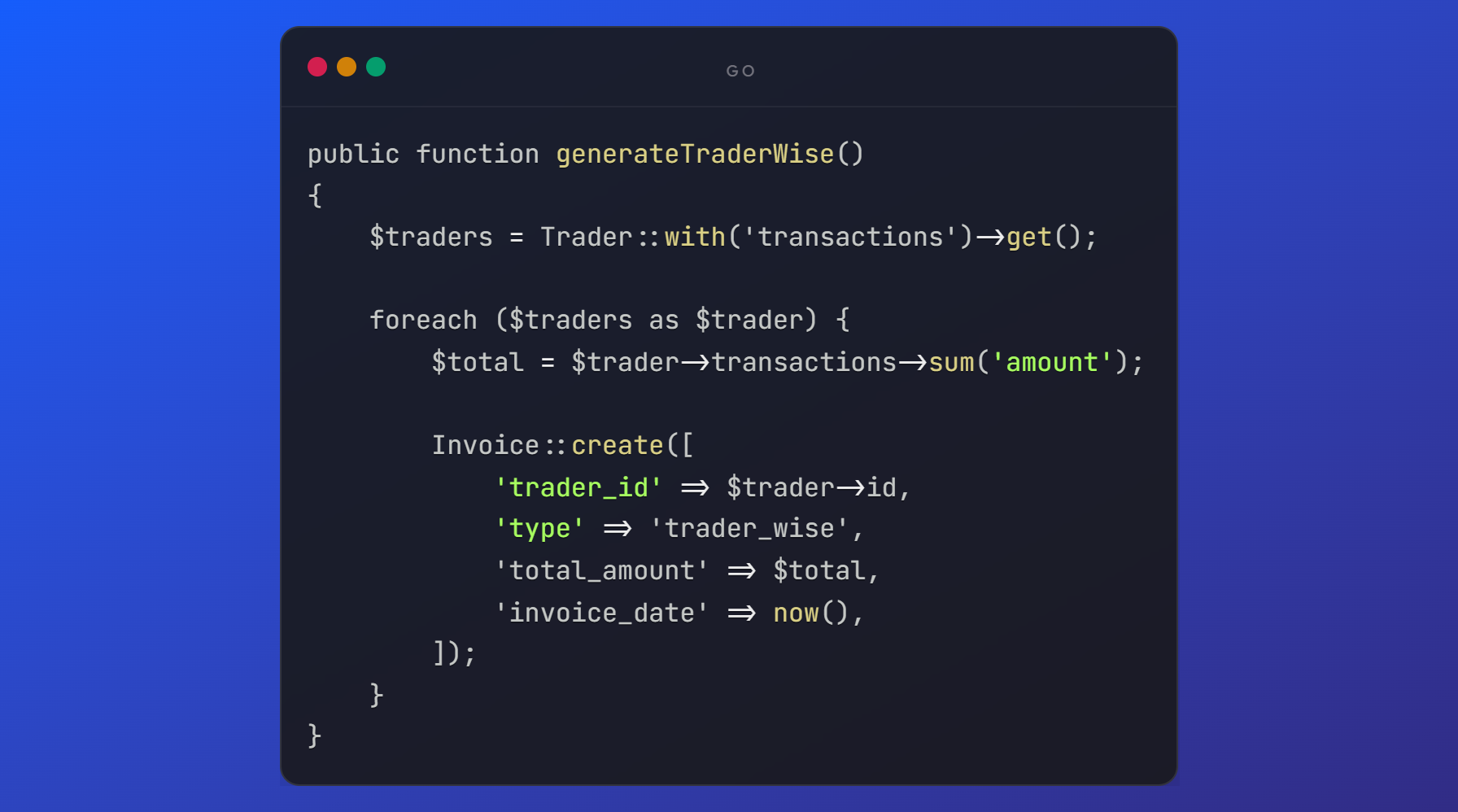
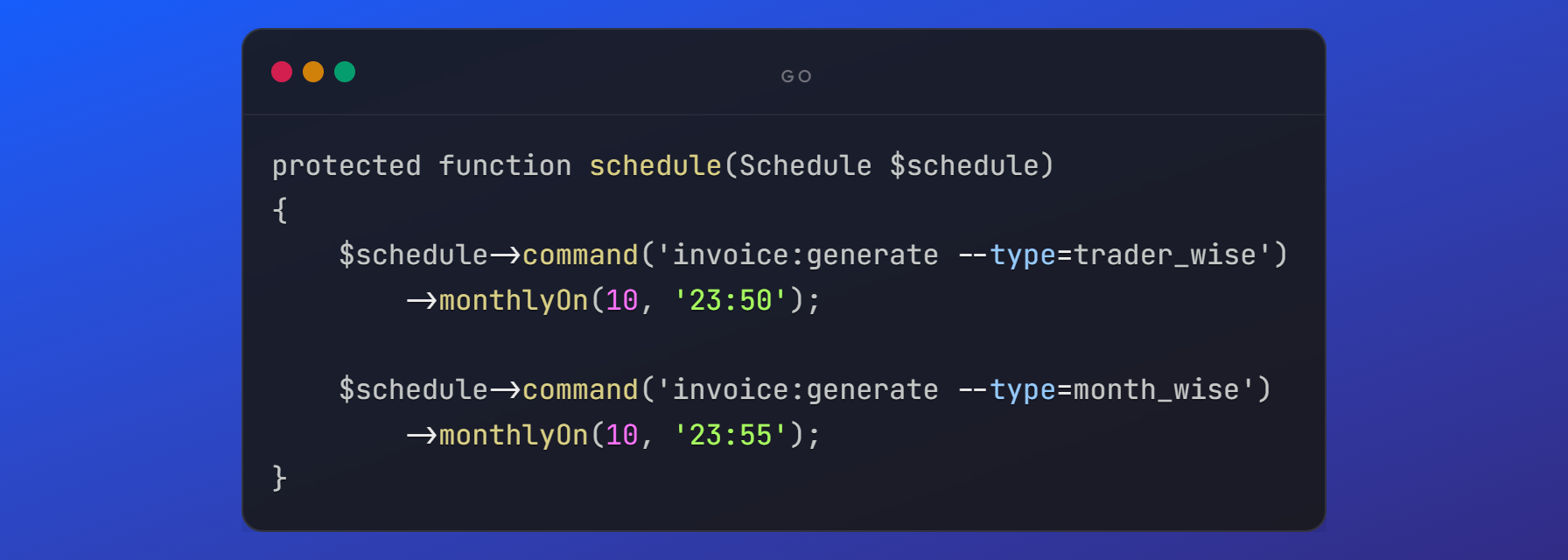
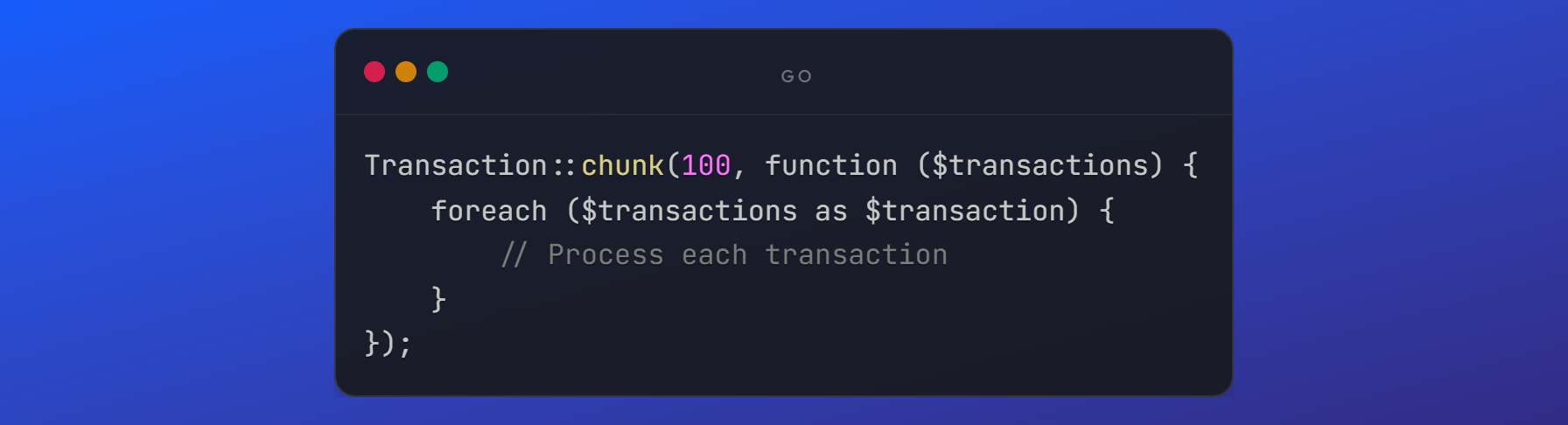
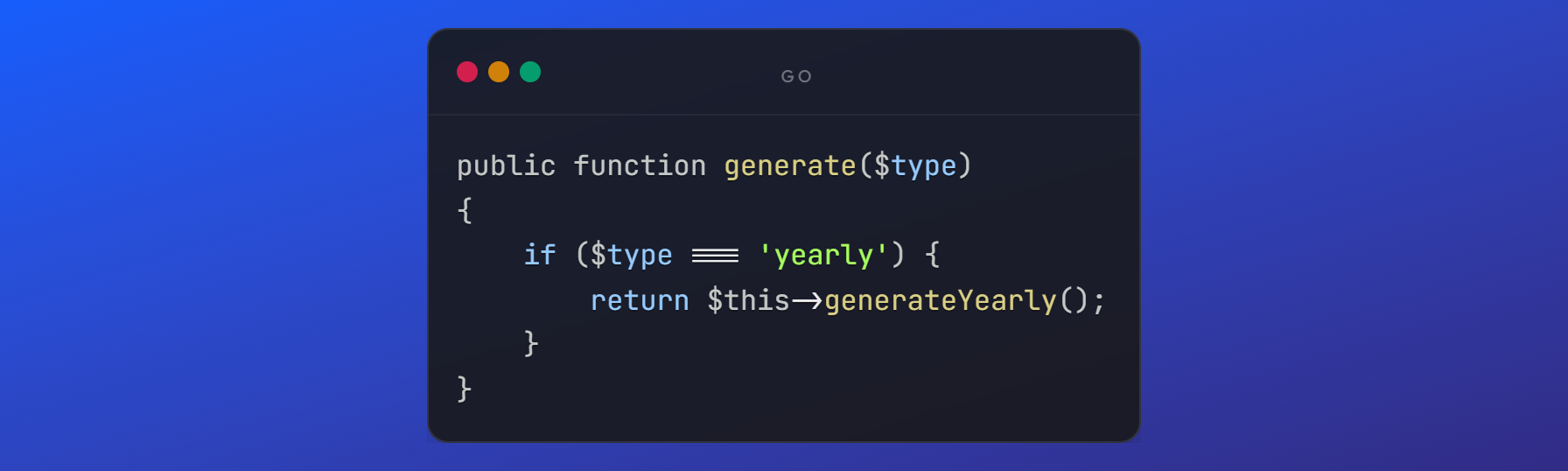
The original visual notes are retained below. They show earlier implementation examples; the explanation and copyable snippets above describe the inspected source and its current limitations.